

Android · iPhone · Desktop
Get the PadhakuMonk app
Installs in seconds, opens full-screen with its own app icon — no browser tabs, no shorts, no distractions. Under 1 MB, because your lectures stream straight from YouTube.
- Opens instantly and remembers your exam, language and theme.
- Same secure sign-in, playlists and library as the website.
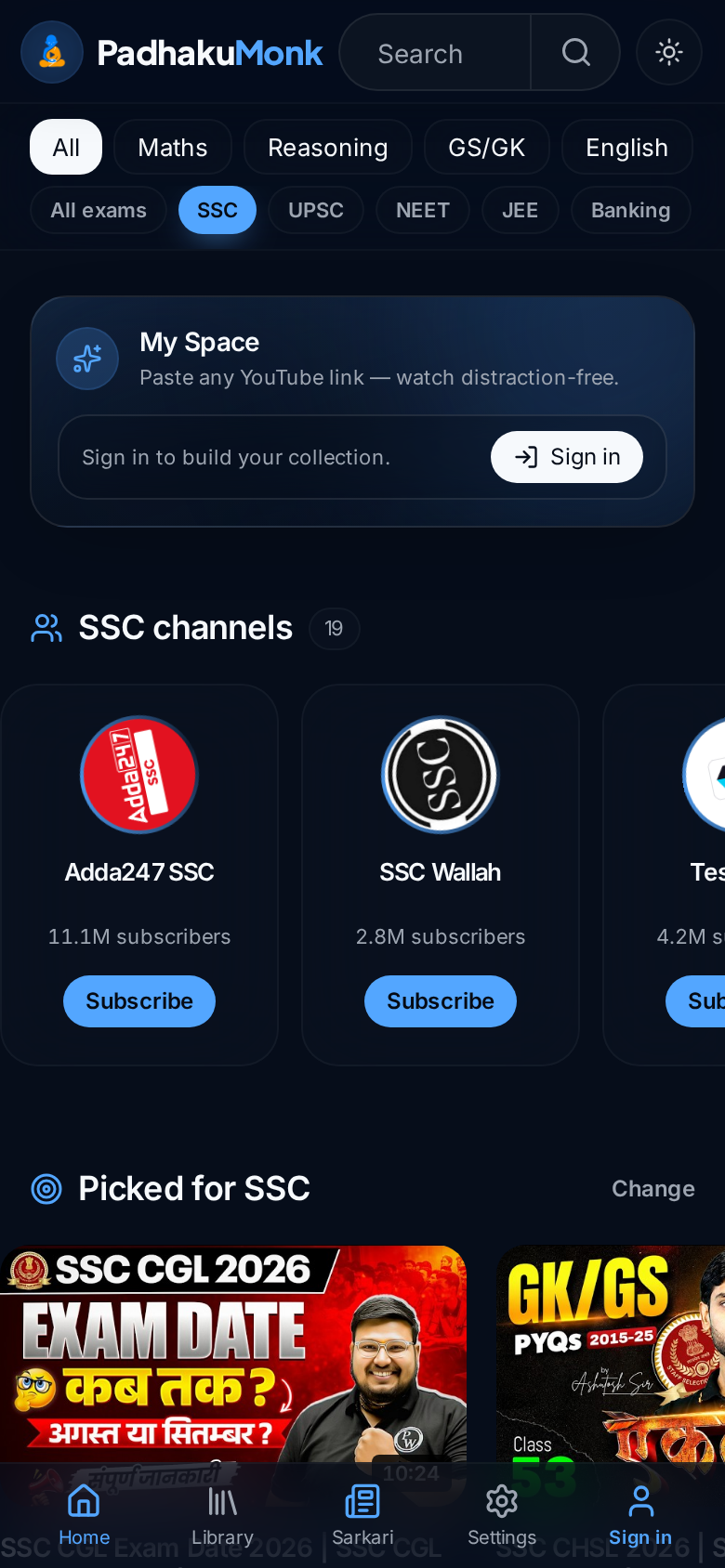
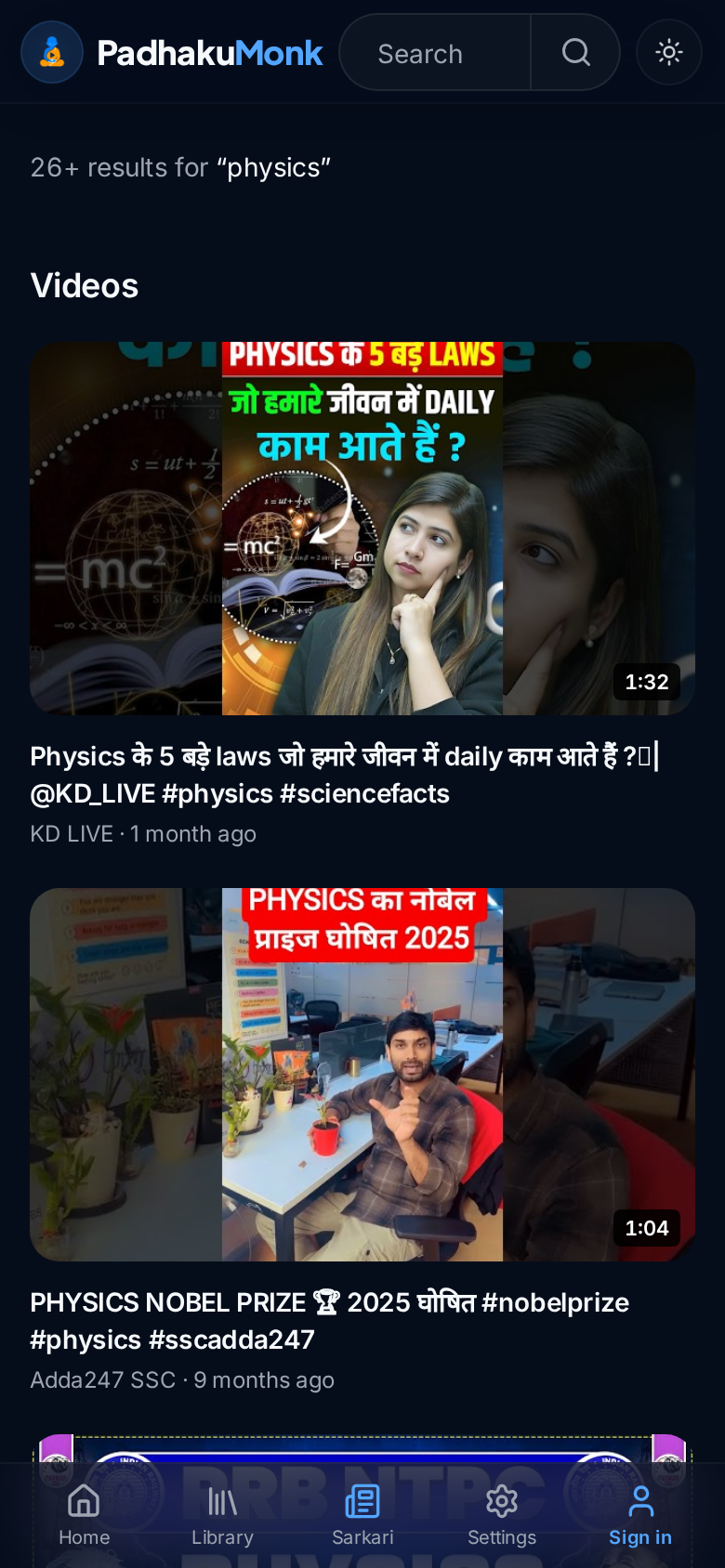
How to install
Android (Chrome)
Tap Install above — or ⋮ menu → “Install app” / “Add to Home screen”.
iPhone (Safari)
Tap the Share button → “Add to Home Screen” → Add.
Desktop
Click the install icon in the address bar, or ⋮ menu → “Install PadhakuMonk”.
Want a shareable APK file?
The installed app above is the same experience an APK would give — it runs in a full-screen Chrome web view. If you also want an actual .apk you can send on WhatsApp or upload to the Play Store, generate a signed Android package from this site in about two minutes:
- 1. Open PWABuilder and enter https://padhakumonk.in.
- 2. Choose Android → Generate (package id
online.mysparktube.twa). - 3. Download the zip — it contains the signed APK, an AAB for Play Store, and an
assetlinks.jsonfingerprint. - 4. Send me that fingerprint and I'll drop it into
/.well-known/assetlinks.jsonso the app opens with no browser address bar at all.